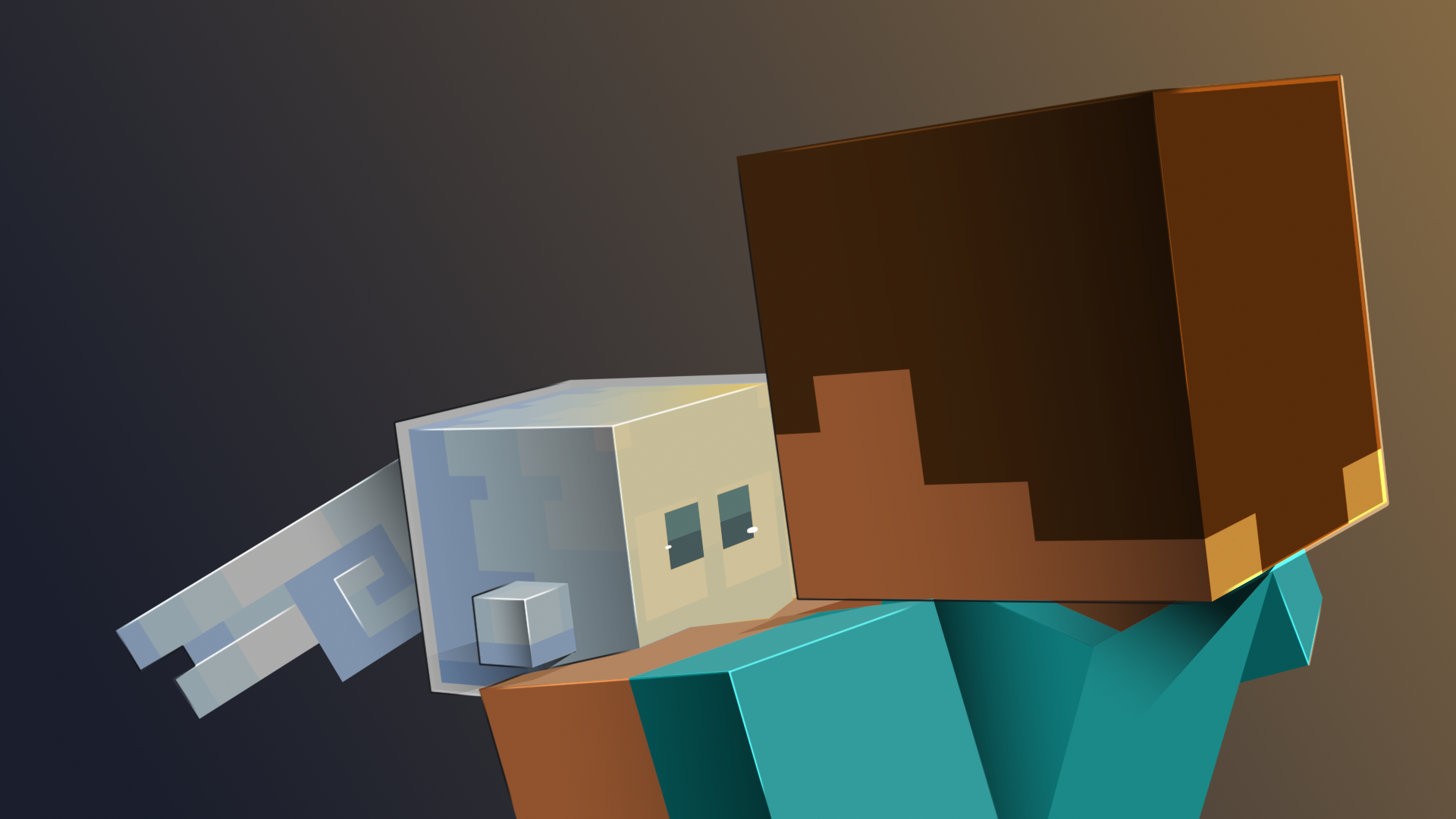
A Cubee is a small companion that follows you around, fights beside you and grows stronger the better you look after it. This page takes you from your first Cubee to your first fight.
Getting a Cubee
Every Cubee has to be collected first. A Cubee becomes yours when you:
- buy it in the Shop (see The Shop);
- win it from a Cubik (see Cubiks);
- get it as a quest reward (see Quests);
- receive it from your server's staff.
Type /cubees (or /cubee) and click Cubees List to see them all. Each tile shows the Cubee's collection and a short story. Right-click any tile to open its full card, with its role, its element and the slot it does best in, even for a Cubee you haven't collected yet, so you can see what you are chasing. That works for every Cubee whose collection your server has installed; for any other, chat says the collection is not installed. The My Collection button greys out the ones you don't own.
Calling it out
You call Cubees out from the Combos menu. Open it with /cucombo, or with /cubees and then Combos.
- The menu holds twelve combos. Each has a selector, a Main slot and a Duo slot, and the first combo starts out selected.
- Left-click the selected combo's Main slot. The Cubees List opens with the Cubees you own in colour.
- Left-click the Cubee you want. You land back in the Combos menu with it in the slot.
- To take a second Cubee along, do the same with the Duo slot.
- Left-click Summon, at the top right. Your Main appears first and your Duo a moment later.
Right-click Summon to send them home again. Summoning always replaces the Cubees you have out, and one Cubee can't fill both slots of the same combo. What is Cubee? sums up combos.
On a server running the McPets edition, you summon a Cubee by left-clicking it in the Cubees List, or with /mcpets. You have one Cubee out at a time, and it levels up from 1 to 10 instead of filling its vitality. See McPets Edition.
Main and Duo
You can have two Cubees out at once. They float along just behind you, one on each side.
- The Main opens a fight, and the Duo follows it up.
- Most Cubees whose ability deals damage hit far softer as the Duo: their card says "-70% while positioned as Duo". Put your hardest hitter in the Main slot.
- Every card says which slot suits that Cubee: its "best positioned as" line reads Main Cubee, Duo Cubee, or Main or Duo.
- Two partner Cubees out together unlock a combo, as their cards tell you.
- The in-game guide's advice: pick two different roles, not two strong ones. One Booster plus one Fighter beats two Fighters.
Roles and elements
Every Cubee has one of three roles, shown on its card, by the symbol in front of its name and on its role line:
- Fighter: attacks your enemies.
- Booster: makes your other Cubee stronger.
- Helper: helps you while you travel.
Most Cubees also have one of eleven elements, shown on the element line of their card; a few have none. Each element beats the next one in a circle: Light, Darkness, Magic, Kinetic, Earth, Electric, Water, Fire, Ice, Poison, Nature, and back to Light.
By default a Cubee deals 50% more damage to a Cubee whose element it beats, and 60% less to one whose element beats its own. Elements only count between Cubees. The Know Your Cubees tile in the Cubees List sums all this up, and the Catalogue page of every Cubee in the packs shows its role, element and best slot. See What is Cubee?
Health and vitality
Right-click your Cubee with an empty hand to open its menu. Below its role, element and best slot, the card in the first slot shows:
- its vitality, from 0% to 100%: how strong it has grown;
- its health, current and maximum;
- how much max health each 1% of vitality adds.
More vitality means more health, more damage and a shorter wait between abilities (see Abilities & Cooldowns). The Fire Cubee, for example, has 20 max health at 0% vitality and 45 at 100% by default.
Vitality is counted in points. By default a Cubee needs 1000 points for 100%, so every 10 points make 1%. By default, only snacks add points.
When your Cubee gets hurt, the name above its head turns into a health bar. It stays a bar until the Cubee has been out of the fight for about 10 seconds.
Feeding
Hold a snack and right-click your Cubee. Every Cubee loves one snack and hates one, and its card lists both under Snacks. By default:
- A snack it loves adds 5 points (0.5%) every time, and hearts float up.
- Any other snack adds 2 points (0.2%), but only about one time in three. The snack is eaten either way.
- A snack it hates takes away a few points, and angry particles show instead of hearts.
When a snack counts, a title shows the Cubee's reaction, its new vitality and the points in brackets. Vitality never goes above 100% or below 0%. Snacks lists every snack.
When a Cubee falls
By default your Cubees can get hurt: mobs, wild Cubees and other players can all damage them. You can't, falls can't, and other players' Cubees can't outside a Cu-Battle. Some servers make Cubees immune to damage outside Cu-Battles.
When a Cubee's health runs out it is knocked out, and chat tells you how long it needs to recover: 30 seconds by default. Until then:
- Summon refuses it, saying it "is still recovering!" and how long is left;
- its tile in the Cubees List shows "ready in" and the time;
- your other Cubee stays out with you.
Can't wait? Recover Now, in the Combos menu, wakes up both Cubees of the selected combo at once, for 1000 CuCoins by default. You only pay if one of them is still resting.
Everyday controls
- Crouch: by default, both Cubees come round in front of you, close enough to touch.
- Right-click with an empty hand: open the Cubee's menu (see The Cubee Menu & Cubits).
- Right-click holding a snack: feed it.
- Walk on: if you get far ahead, your Cubees catch up by teleporting to you.
- Log out or change worlds: your Cubees go home. Summon them again from the Combos menu.
- Give it a name: use the Name button in its menu.
- Choose how it fights: see What is Cubee?